
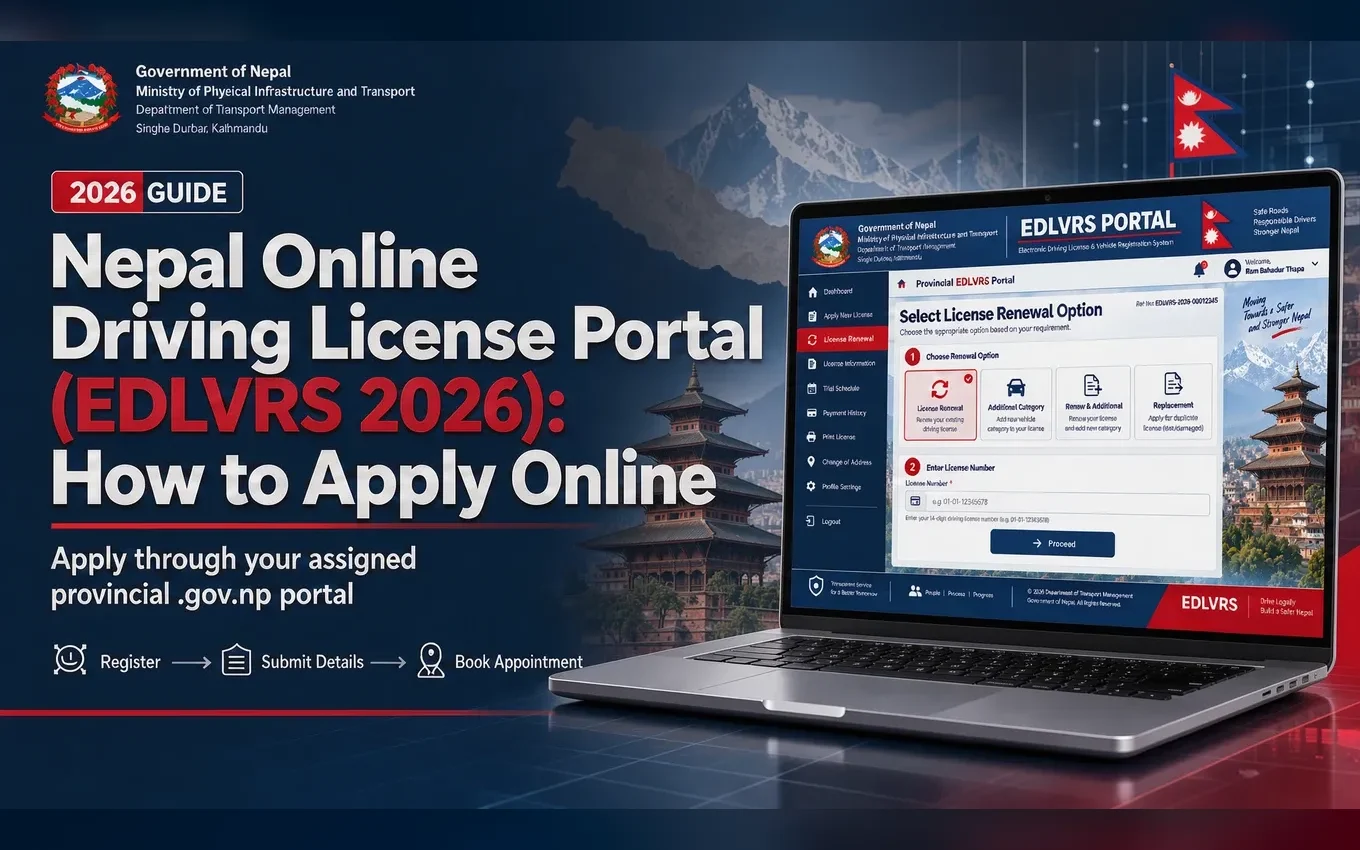
Quick Answer: How EDLVRS Works
In 2026, Nepal's online driving-license process generally follows this sequence: register online → complete the form → select a transport office and appointment → pay the fee → attend verification and biometrics → take the written exam and practical trial where required → wait for printing → collect or download the available license proof.
The process is not fully online. EDLVRS moves registration, application, payment, appointment booking, and tracking online, but identity verification, fingerprints, photographs, written exams, medical checks, and trials still require physical attendance when applicable.
What Is EDLVRS in Nepal?
EDLVRS stands for Electronic Driving License and Vehicle Registration System. It is the online system used for driving-license applications, renewals, category additions, related payments, appointments, and application tracking.
- Applicants register and submit license requests online.
- Provincial portals manage office selection, appointment capacity, and payment flows.
- NID and Nagarik App integrations can reduce manual data entry where enabled.
- Transport offices still perform physical verification, biometrics, examinations, and trials.
DoTM sets national policy and standards, while provincial systems and transport offices manage the local application workflow. You normally use the portal for the province where your chosen transport office is located, which may not be your home province.
EDLVRS vs Nagarik App vs Physical License
Who Can Apply Online?
EDLVRS can support new licenses, category additions, renewals, and duplicate requests where the selected provincial portal offers those services.
Category definitions and age limits can be revised. Treat the current portal eligibility screen and official DoTM or provincial notice as controlling, especially for heavy and specialized vehicles.
Official Provincial EDLVRS Portals
Use the portal corresponding to the province where your selected transport office is located. Confirm the address ends in .gov.np before entering your citizenship, NID, mobile number, or payment details.
How to Register for EDLVRS
- Open the correct provincial portal. Choose the province where your preferred transport office is located.
- Create an account. Select Register or Sign Up and enter a mobile number registered in your own name.
- Verify the mobile number. Enter the OTP sent by SMS. If it does not arrive, check signal, SIM activity, and the number you entered.
- Verify identity. Use NID, Nagarik App QR, or manual details, depending on the portal.
- Complete the profile. Review your name, citizenship or NIN, date of birth, address, and other auto-filled information.
- Set credentials. Create a password or PIN if the portal requires one, then save your login and application details securely.
How to Use NID or Nagarik App QR
QR verification can auto-fill identity details from an integrated government record and reduce manual typing errors. It does not merge EDLVRS, NID, and Nagarik App into one system: they remain separate systems connected through supported verification flows.
- Open Nagarik App and navigate to your profile or National ID section.
- Display the current QR code on your phone at high brightness.
- On EDLVRS, select the NID or QR scan option and allow camera access.
- Hold the QR fully inside the camera frame in good light until the portal reads it.
- Review all fetched details before continuing; correct source-record errors through the responsible authority.
If scanning fails, increase brightness, use a current Chrome browser, check camera permissions, steady the camera, refresh the session, or use NIN/manual verification if the portal offers it. Never send your QR or OTP to an unofficial agent.
How to Apply for a New Driving License
- Log in to your provincial EDLVRS portal using your mobile, OTP, password, or supported NID/Nagarik QR flow.
- Select New Application or the new driving-license option.
- Choose the vehicle category and verify that you meet its age and eligibility rules.
- Select the province and transport office where you will complete the physical steps.
- Choose an available biometrics appointment if the portal provides a calendar.
- Complete or confirm your personal details and upload documents requested by the portal.
- Review the application carefully and submit it.
- Pay through the integrated payment method and save the success screen, application ID, and receipt.
- Attend the transport office for document verification, biometrics, medical checks, written exam, and trial as scheduled.
Daily appointment quotas can fill quickly. If no slot appears, check again later, monitor official notices, or consider another permitted office rather than paying an unofficial intermediary.
How to Add a Driving License Category
- Log in and select Add Category or the equivalent option.
- Enter your existing license number and verify the current category.
- Choose the new category and confirm its age, experience, and document requirements.
- Complete the online form and pay the category-addition fee shown by the portal.
- Attend the office for biometrics and any required written exam or practical trial.
- After passing, wait for the license to be reprinted with the added category.
Category additions can have different exam exemptions and document rules from a first-time application. Follow the exact instructions for your category and province.
How to Renew a Driving License Online
- Select Renew License in EDLVRS.
- Enter your existing license details and verify your identity.
- Check the expiry date, category, late-fee status, and any required medical certificate.
- Submit the renewal form and pay the fee shown by the portal.
- Book or attend the required office visit for biometrics and medical verification.
- Track the renewed card through the portal and follow the collection or download instructions.
Renewal may be available before or after expiry, but late fees and grace periods vary under current rules. Do not rely on an old grace-period number; confirm the amount and deadline shown by your provincial portal.
EDLVRS Payment and Fees
Payment is generally required during application submission or at the relevant stage for a new license, category addition, renewal, or duplicate request. Commonly supported methods include ConnectIPS, eSewa, Khalti, and participating internet-banking gateways.
After paying, confirm that the application status changed to paid or submitted. If money was deducted but the status is unchanged, wait briefly, refresh the tracking page, and contact the provincial office or payment provider with the receipt instead of paying again immediately.
What Happens After Online Application?
The exact order can differ by province and applicant type. Keep your application ID, appointment confirmation, payment receipt, and registered mobile number available throughout the process.
Driving License Biometrics
Biometrics normally include fingerprints, a photograph, and a signature. They are captured at the transport office selected during application or at the office assigned by the portal.
- Carry the application confirmation and payment receipt in print or on your phone.
- Bring original Citizenship or NID and copies where requested.
- Bring an existing license for renewal or category addition.
- Bring a medical or fitness certificate and blood-group certificate if the portal or office requires them.
- Arrive on time; walk-ins may not be accepted when appointments are quota-controlled.
Written Exam and Trial
Most new applicants and many category additions must complete a written exam covering traffic signs, road rules, safe driving, and basic vehicle knowledge. Renewals often follow a different path unless the office specifically requires an exam.
The practical trial is held at a transport office or designated ground. Two-wheelers commonly test balance, controlled turns, braking, and slow-speed control. Cars commonly test turning, reversing, parking, ramp or hill control, and obstacle navigation. Exact layouts differ by office.
How to Check Application and Printing Status
- Open the application tracking page on the same provincial EDLVRS portal.
- Enter your application ID or other requested reference.
- Verify using the registered mobile number or OTP.
- Review pending actions, appointment details, written result, trial result, and printing or collection status.
- Follow the office instructions if the status says documents, payment, or verification is pending.
Printing may be delayed by office workload, smart-card supply, verification, or a provincial backlog. A portal status is more reliable than an informal delivery promise.
EDLVRS Login and QR Troubleshooting
Documents You May Need
Requirements vary by province, category, and application type. Use the checklist shown inside your portal and bring originals plus copies when the office requests them.
Common EDLVRS Mistakes to Avoid
- Using an unofficial website instead of the correct provincial .gov.np portal.
- Selecting the wrong province, transport office, vehicle category, or appointment date.
- Entering identity details that do not match Citizenship or NID records.
- Using another person's mobile number for OTP and verification.
- Failing to save the application ID, receipt, appointment confirmation, or payment reference.
- Paying through an unofficial channel or an agent promising a guaranteed slot.
- Assuming payment completes the entire process without biometrics, exams, or a trial.
- Missing the appointment or arriving without original documents.
- Ignoring a data mismatch instead of correcting the underlying telecom or government record.
Quick EDLVRS Application Checklist
- Use the official provincial EDLVRS portal ending in .gov.np.
- Confirm the selected transport office and province.
- Keep Citizenship or NID details accurate and consistent.
- Use a mobile number registered in your own name.
- Confirm category and minimum-age eligibility.
- Complete the online form and upload the requested documents.
- Pay through the portal and save the receipt.
- Save your application ID and appointment confirmation.
- Attend biometrics and verification on time with originals and copies.
- Complete written and practical exams where required.
- Track printing or collection status through the portal.
Official Sources and Security Warning
Use the Department of Transport Management for national policy and notices, the relevant provincial EDLVRS portal for your application, and official Nagarik App or National ID channels for QR and identity integrations. Links and procedures can change, so confirm the domain before entering personal or payment information. Last verified October 2026.
EDLVRS makes a large part of the driving-license workflow easier to manage online, but it does not remove the physical requirements. Accurate identity records, saved receipts, the correct provincial portal, and attendance at every required office step are what keep the application moving.
Frequently asked questions
What is EDLVRS in Nepal?
EDLVRS is the Electronic Driving License and Vehicle Registration System, the provincial online platform for driving-license applications, renewals, category additions, payments, appointments, and status management.
How do I apply for a driving license online in Nepal in 2026?
Register on the EDLVRS portal for the province where your chosen transport office is located, complete the application, select your category and office, pay online, book biometrics, and then visit the office for verification, exams, and the trial.
What is the official EDLVRS website?
There is no single national portal in the current provincial flow. Use the official .gov.np EDLVRS portal for the province containing your selected transport office.
Can I use my National ID to register for EDLVRS?
Many provincial portals support NID-based verification or QR scanning to auto-fill applicant information. Check the current options shown by your selected portal.
Can I scan my Nagarik App QR in EDLVRS?
Many EDLVRS flows support scanning a Nagarik App QR to auto-fill identity details. The feature depends on the portal and current integration.
Can I apply for a smart driving license fully online?
No. The application, payment, and appointment steps can be online, but transport-office visits remain necessary for identity verification, biometrics, written exams, trials, medical checks, or card processing as applicable.
Can I renew my driving license online?
You can start renewal through EDLVRS, enter your license details, pay the applicable fee, and book the required visit. Biometrics and any required medical verification still take place in person.
How do I add a category to my driving license?
Choose Add Category in EDLVRS, enter your existing license details, select the new category, pay the fee, and complete any required biometrics, written exam, and trial at the transport office.
Why is my EDLVRS QR scan not working?
Try increasing screen brightness, allowing camera access, using a current browser, improving lighting, refreshing both sessions, and entering NID details manually if the portal permits it.
How do I pay the EDLVRS driving-license fee?
Use the payment gateways shown inside the official portal, commonly ConnectIPS, eSewa, Khalti, or supported internet banking. Save the success page and receipt.
Do I still need to visit a transport office?
Yes. Biometrics, document checks, written exams, practical trials, and some medical steps require an in-person visit.
How do I check my driving-license printing status?
Use the application tracking page on the provincial EDLVRS portal with your application ID and OTP. The portal should show pending steps, exam status, and printing or collection status where integrated.
How long does it take to receive a smart driving license?
Timing varies by office workload, province, card supply, printing backlog, and verification. Check the tracking page rather than relying on a fixed turnaround estimate.
Try the free tools
Put this guide to work — every SolutionsNepal tool is free and needs no signup.